Tuesday, April 25, 2017

Still Life Shots


1. What was your for your arrangement and background color?

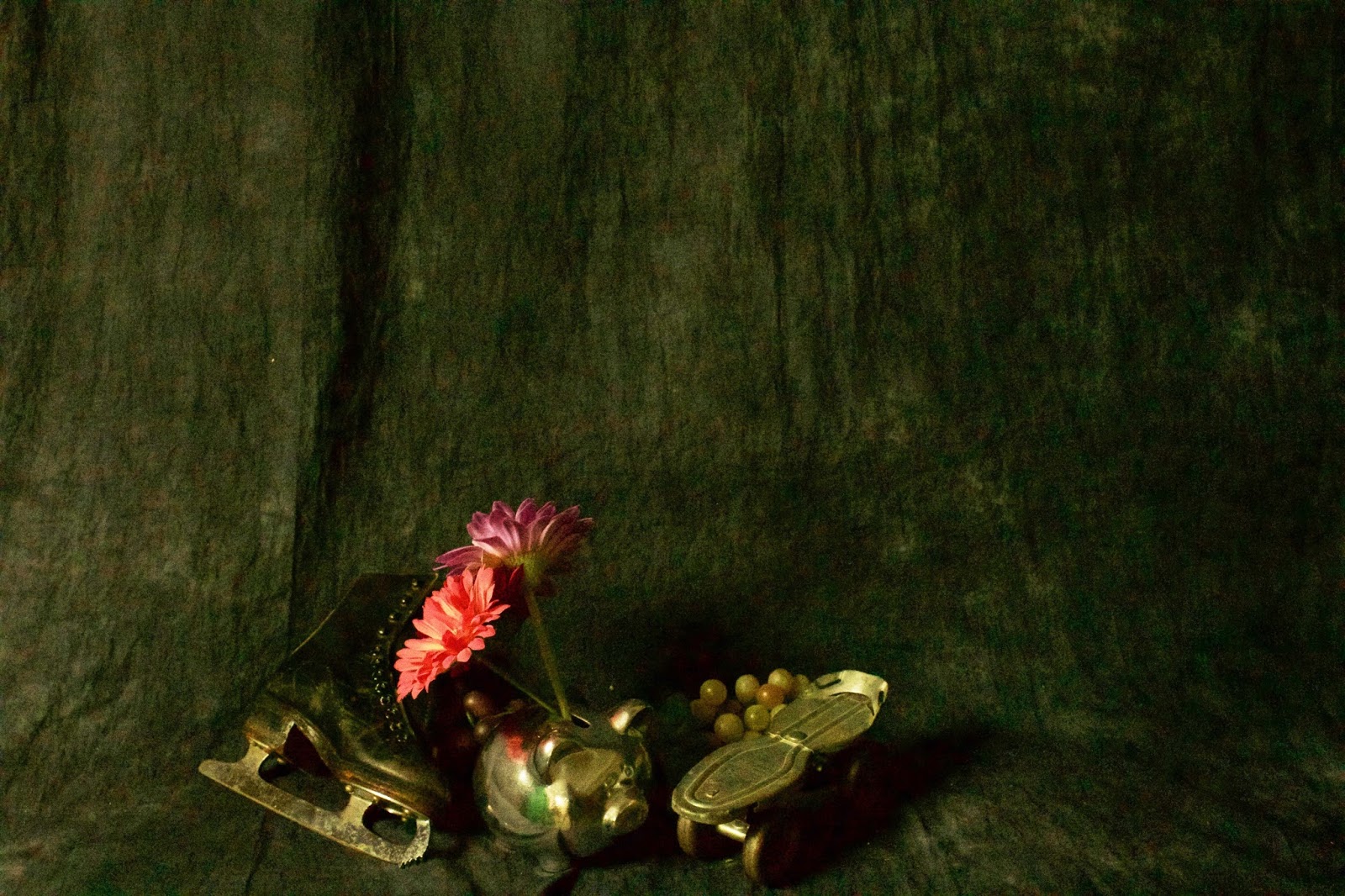
I utilized numerous objects including the fan, flower pot, ice skate, mini skateboard, and grapes. I used the black background and varied the lighting. The object were arranged differently. 

2. How is the lighting in your image (direct, diffused, etc.)?

I varied the lighting throughout the shooting. Sometimes, I used just the large lamp, while other times I used the bright light bulbs. This gave each image a unique look. I used direct lighting for all of the shots.

3. What adjustments did you use?

I increased both brightness and contrast for all of the images. For the first picture, I turned it black-and-white and ensured that the picture looked real. For the second picture, contrast was used in order to make the depictions on the fan stand out.

4. How could you improve your composition?

If I could repeat the project, I would probably use more objects to make the pictures more interesting. I would use more colorful objects in order to be able to make the colors pop.


Monday, April 17, 2017

Surreal Shot


1.What is your image about?

My image includes an inflatable object lifting a bench press bar over his head. The picture was taken in the Cal High quad.

2. Was it easy/hard to find your resources? Why/why not?

It was pretty easy finding resources once I decided what my image would be about. I simply took the background photo and added two images that I found on the internet. I combined the floaty object picture with the bench press picture.

3. What photoshop techniques/adjustment layers did you use?

I primarily used my blending skills to make the images look like they were combined. I also added layer masks to ensure that the image flowed. I had to use the erase background tool to remove the original backgrounds of the images that I found on the Internet.

4. What could you improve upon?

If I were to do this assignment again, I think I would choose higher quality images off the Internet in order to avoid pixelation.

Tuesday, April 11, 2017

TED Talk

1. What is the most important aspect when creating his work?

The most important aspect is using the same perspective and lighting.

2. What do you find interesting about his work?

I find it interesting that he is able to utilize realistic images and combine them to create an image that looks out of this world.

Thursday, March 23, 2017

HDR Photography

Part 1:

HDR photography stands for high dynamic range. HDR photography produces a greater range of luminosity. It includes adapted images that appear better to the human eye. There are many efficient ways to create HDR photos. One way is through the use of a camera with an Auto Exposure Bracketing function. Another way would be to use an HDR photo-blending software that works to automatically enhance your photos.

Part 2:


This example of an HDR photo really stood out to me. It includes a vivid array of colors that really catch the eye of the viewer. I like the illumination and the escalator running through the globe. I feel like it would be a really cool experience going up this escalator. In general, this image is very unique. From the constellations on the walls to the details throughout the image.


Part 3:


Landscape Photo Using HDR Photoshop

Wednesday, March 15, 2017

Abstracted Images

Image 1


Image 1 with Poster Edges Filter


Image 2 


Image 2 with Plastic Wrap Filter


Image 3


Image 3 with Water Color Filter


Questions:

1. Which is your favorite shot and why?
My favorite shot is the third one because of the variety of colors in the image.

2. Which shot shows the best use of the elements of art?
The second shot shows the best use of the elements of art and seems visually proportional.

3. Which principles of design are used in your favorite image?
The third image shows balance, texture, color, and space.

4. Which image + filter is your favorite shot and why?
The third image with the water color filter is my favorite because of the deep contrast between black and white.

Thursday, March 9, 2017

Exploring Landscapes

Part 1: 


1. Did you use the rule of thirds? What did you emphasize with it sky or land?
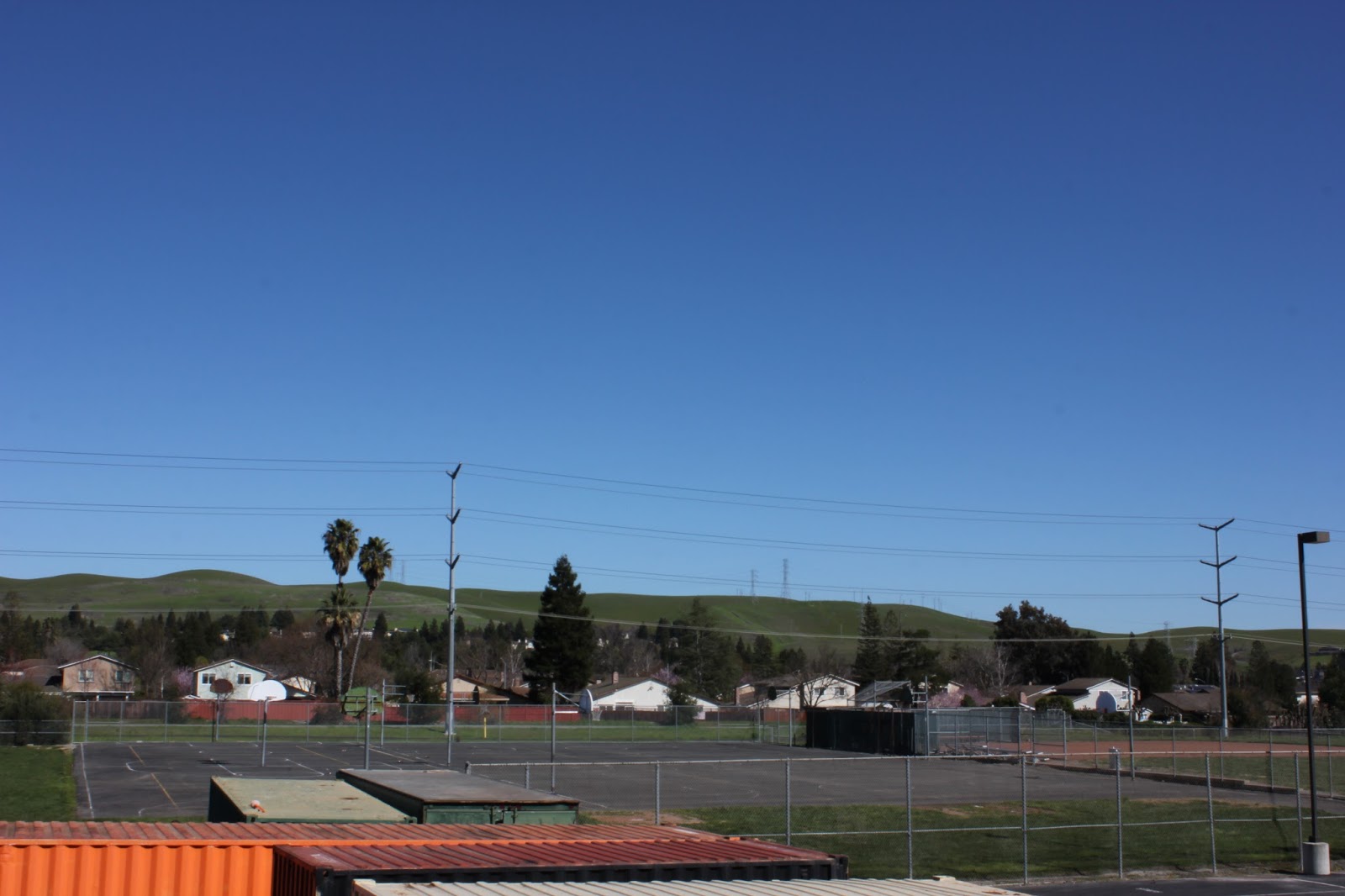
My favorite image is the third one. Yes, I used the rule of thirds while capturing the images on the camera. I tried to emphasize the land in the third image and focused on the large hill in the background. 

2. What Principles of design did you use and how? 
I used numerous principles of design in the third photo. I used balance, proportion, unity, and a sense of variety. 

3. What time of day was your image taken? Was it a good time to shoot or not? Why?
The image was taken in the afternoon around 2:00 pm. I think it was a good time to shoot because it offered plenty of light and illumination throughout the image. It provided a clear image.

4. How did you use the foreground/background relationship?
The background depicts an amazing view of the hills of the San Ramon Valley. The foreground offers a close up shot of the Cal High. The foreground and background contrast each other and give viewers a great view.

Part 2:


Part 3: 

Channel Mixer


Lab Color Method


Gradient Map


Desaturation 


1. Which method do you think produced the best result for you?
In my opinion, the gradient map produced the best black-and-white image.

2. Did you achieve a large value range for each image? If not, which methods worked the best?
I think I did achieve a pretty good value range. Each image looks distinct and unique in its own way. The channel mixer in particular looked very nice and had a good value range.


Magic Glow Photoshop Tutorial: